
Build a world by talking
Ask Character Agent to create characters, lorebooks and launchers for you, and approve every change.
Say you want to add to Crimson Frost’s world: a rival delver, the beasts of the deeper levels, the guild’s prices. Instead of filling in forms, ask Character Agent, and it adds them to your library.
Meet the agent
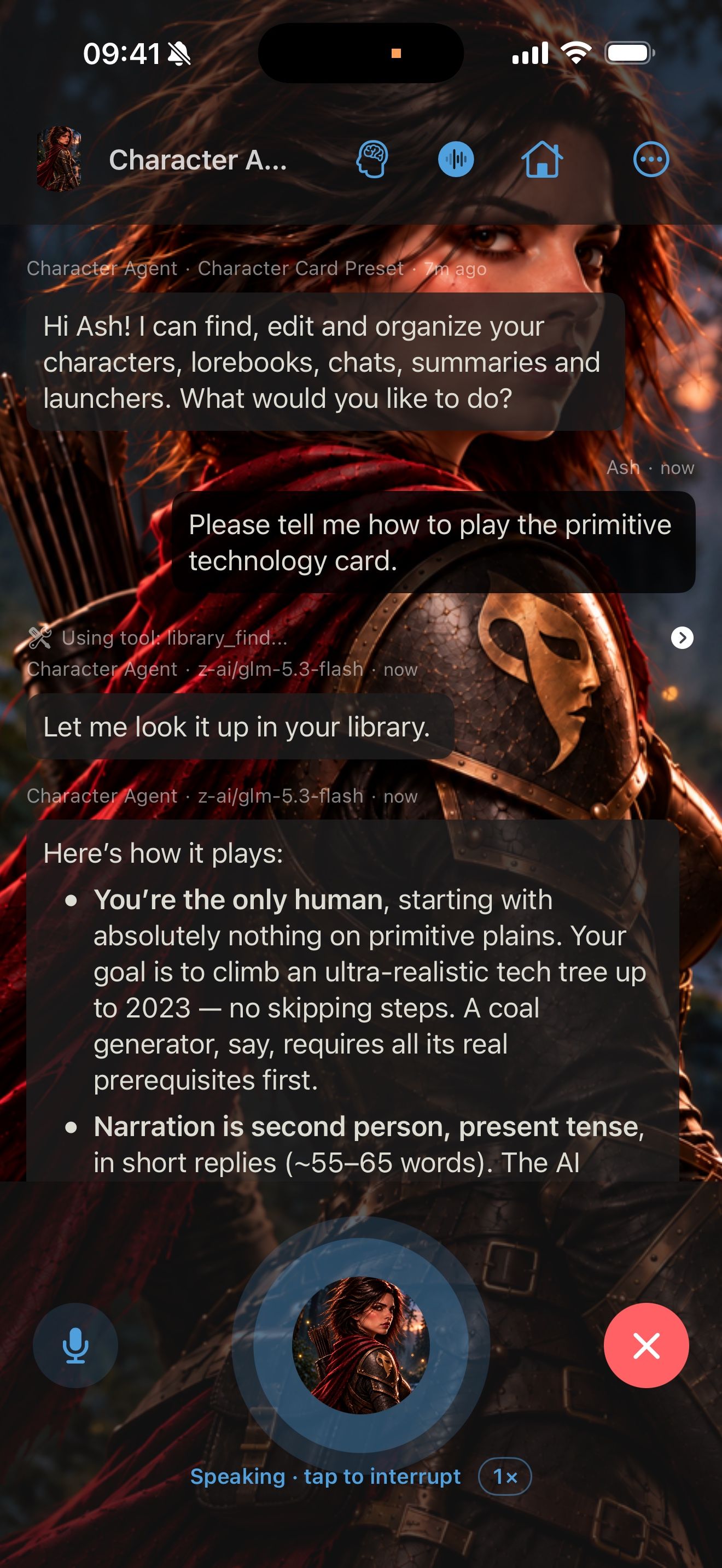
Character Agent is a built-in character. Its launcher is pinned on the home screen. Tap it and say what you want, by typing or in a voice chat. It can find, read, create and change your characters, lorebooks, chats, summaries, launchers and personas.
Example requests
Try these, one at a time:
- “Add a lorebook entry to The Thornwall Deeps about the fourth level, where the frost wolves den.”
- “Create a rival delver for Crimson Frost: a charming thief who always reaches the treasure first.”
- “Make a launcher that starts Crimson Frost with The Thornwall Deeps lorebook and her memory.”
After each request, open the lorebook, character or launcher to check the result.
Approve changes
When the agent wants to delete something, find and replace across your library, or rewrite a character’s text, it shows the change and asks Approve this change? Tap Approve or Reject. These changes always wait for you.
Other changes are made without asking. To approve every change yourself, turn off Auto-Confirm Tool Calls under MCP Settings in Settings.
Play what you built
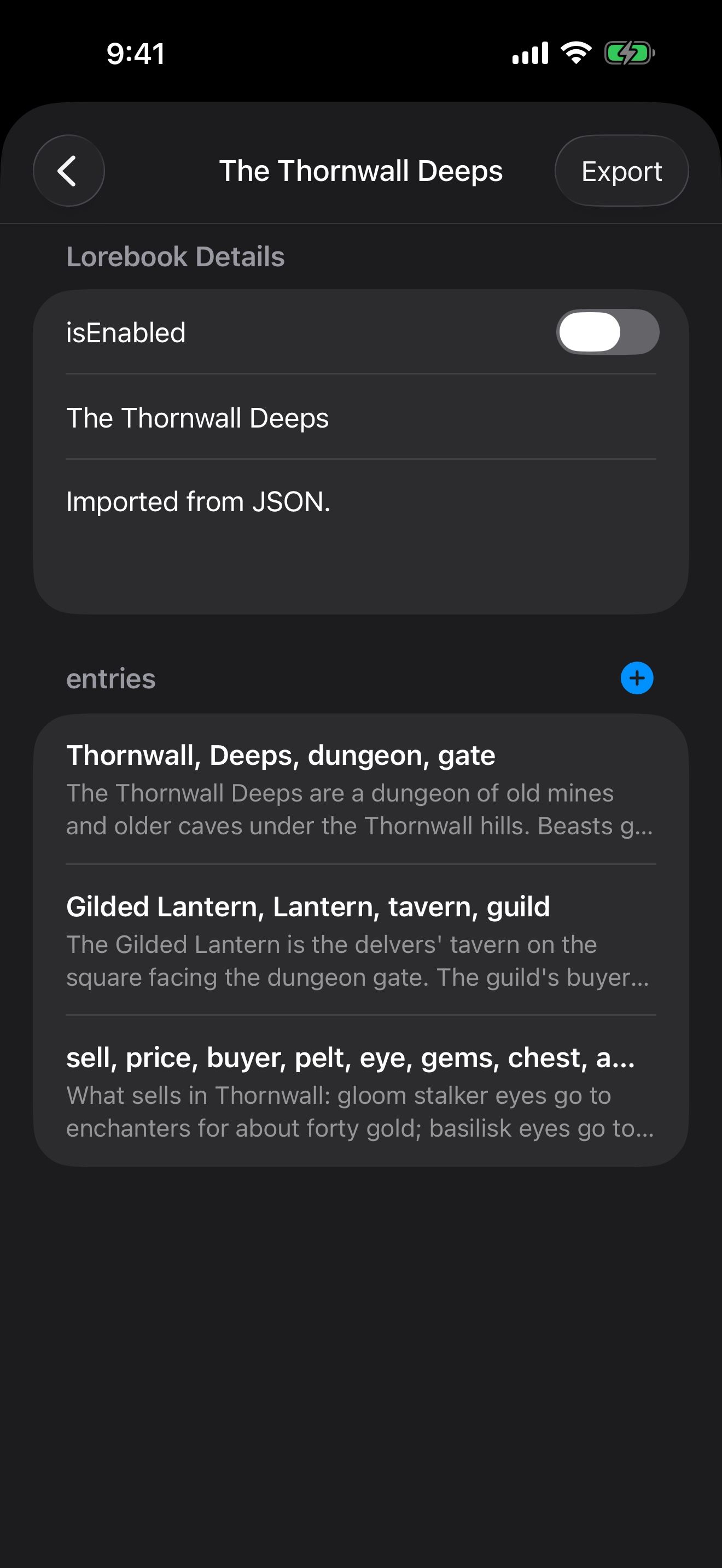
Tap the new launcher to start a chat. When a keyword from a lorebook entry comes up, the entry is sent to Crimson Frost with your message.
To try a different direction, long-press a message and choose Branch from Here. This starts a new chat from that message and leaves the original unchanged.
Give your characters tools
The agent’s tools are App Tools, and you can turn them on for any launcher.
- Long-press Crimson Frost’s launcher and choose Edit Launcher.
- Under App Tools, switch on Lorebooks. Now she can add and change lorebook entries during the chat.
- Tap Done.
For tools from outside the app, connect MCP servers. In Settings, under MCP Servers, switch on Exa for free web search with no key, or tap Add MCP Server to add your own. Each launcher can choose its own MCP servers.
Everything the agent can do is in Character Agent and MCP tools. For pictures of your characters, see The same face in every picture.
Keep going
Meet Crimson Frost
Import our guide character, start a story with her, hear her replies read aloud, and give her a memory.
Card import · Character chat · Read aloud · Swipe, edit and branch · Memory
The same face in every picture
Make pictures of your character that keep their look, and have pictures added to your chats automatically.
Reference pictures · Image creation · Image Library · Launchers · Themes
Character Agent and MCP tools
Let the agent find, create and edit your characters, lorebooks, chats and launchers, and connect MCP tools.