
Personas: who you play
Create the character you play in each story, or play as one of your characters.
A persona is the character you play: a name, a picture and a description that the characters you chat with can see.
Pick who you play
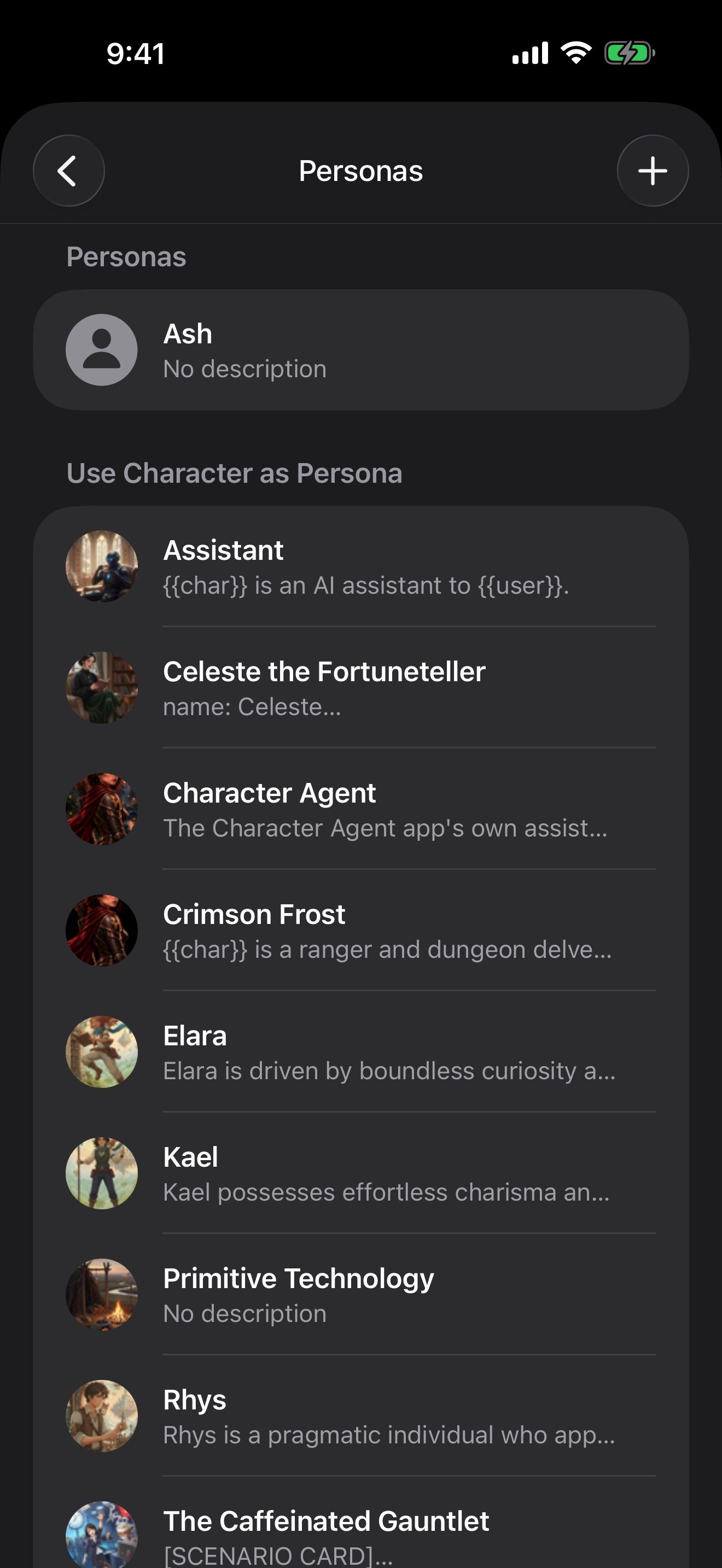
- Open Settings › Your Persona. It shows who you’re playing now.
- Tap a persona, then Set Persona. New chats use it.
Long-press a persona to Edit or Delete it, or export it with Export as PNG Card, Export as JSON File or Copy JSON to Clipboard.
Make a new persona
- Tap + on the Personas screen.
- Under Avatar, pick a picture From Photos or From Files. With an image service set up, Create Image makes one for you.
- Under Details, give your persona a Name and a Description: how you look, what you do, what others know about you.
- Tap Done.
Borrow a character
Under Use Character as Persona, any character in your library can be your persona. For example, play as Crimson Frost in another character’s story.
A different persona for each story
A launcher can pick its own persona, so one story has you as a merchant and another as a fellow delver. In a single chat, Chat with Options picks the persona for that chat. See Launchers: saved ways to start a chat.
If the chat has a memory, it learns from what your persona says and does, too. See A character who remembers you.
Keep going
Lorebooks: keep your world consistent
Write down the places, people and rules of your world, and the character gets each fact when it comes up in the chat.
Build a world by talking
Ask Character Agent to create characters, lorebooks and launchers for you, and approve every change.
Character Agent · Lorebooks · Launchers · MCP tools · Swipe, edit and branch