
Use every feature for free
Connect your own AI, turn on the free on-device voices and memory, and try images without an account.
Every feature in Character Agent is free. The only thing you can pay for is a subscription that includes AI models we host for you. With your own AI provider, you can use all of it: memory, voices, voice cloning, images, the agent and tools.
Connect your own AI
- Open Settings › Model Setup and choose Bring your own API key.
- Pick a provider: OpenRouter, Gemini, OpenAI, Anthropic, Deepseek, Qwen, Cerebras, NanoGPT or Electron Hub. For OpenRouter, tap Sign in with OpenRouter instead of pasting a key.
- Paste your API Key, tap Test Connection, then Fetch Models and pick one.
- Tap Save.
To use a model running on your own computer, choose Custom and enter its Base URL. Any OpenAI-compatible server works.
Turn on the free voices
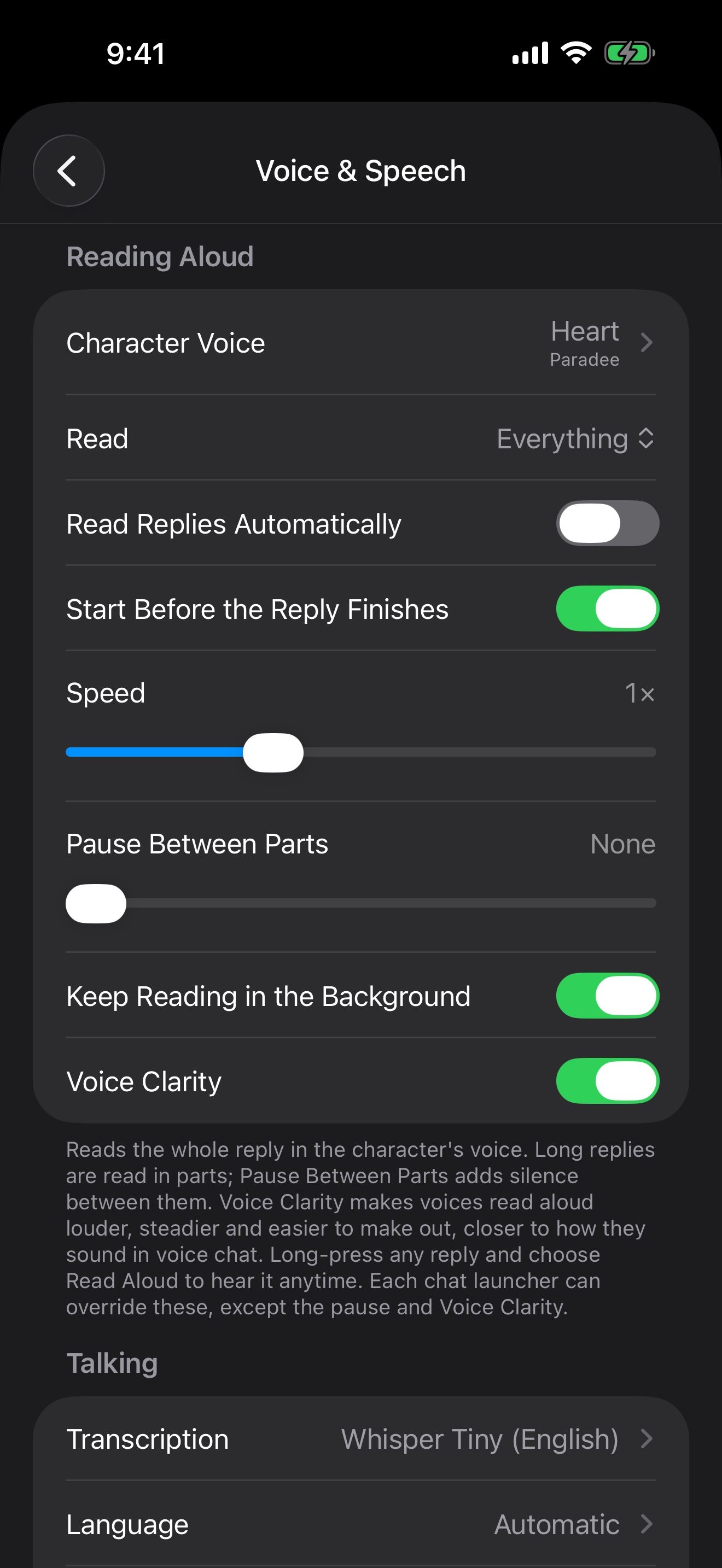
Heart, a natural English voice, and Whisper speech recognition are built in and run on your iPhone. For more voices, open Settings › Voice & Speech › Character Voice, tap + and add Kokoro or Ming. Each is a free, one-time download that then works offline. Give them a voice covers voice chat and voice cloning, which is also free.
Let memory learn on your device
In Settings › Memories, set Learning Model to Apple Intelligence (on device). Memories then learn on your iPhone at no cost. Recall always runs on your device. See Memory: characters who remember.
Make pictures without an account
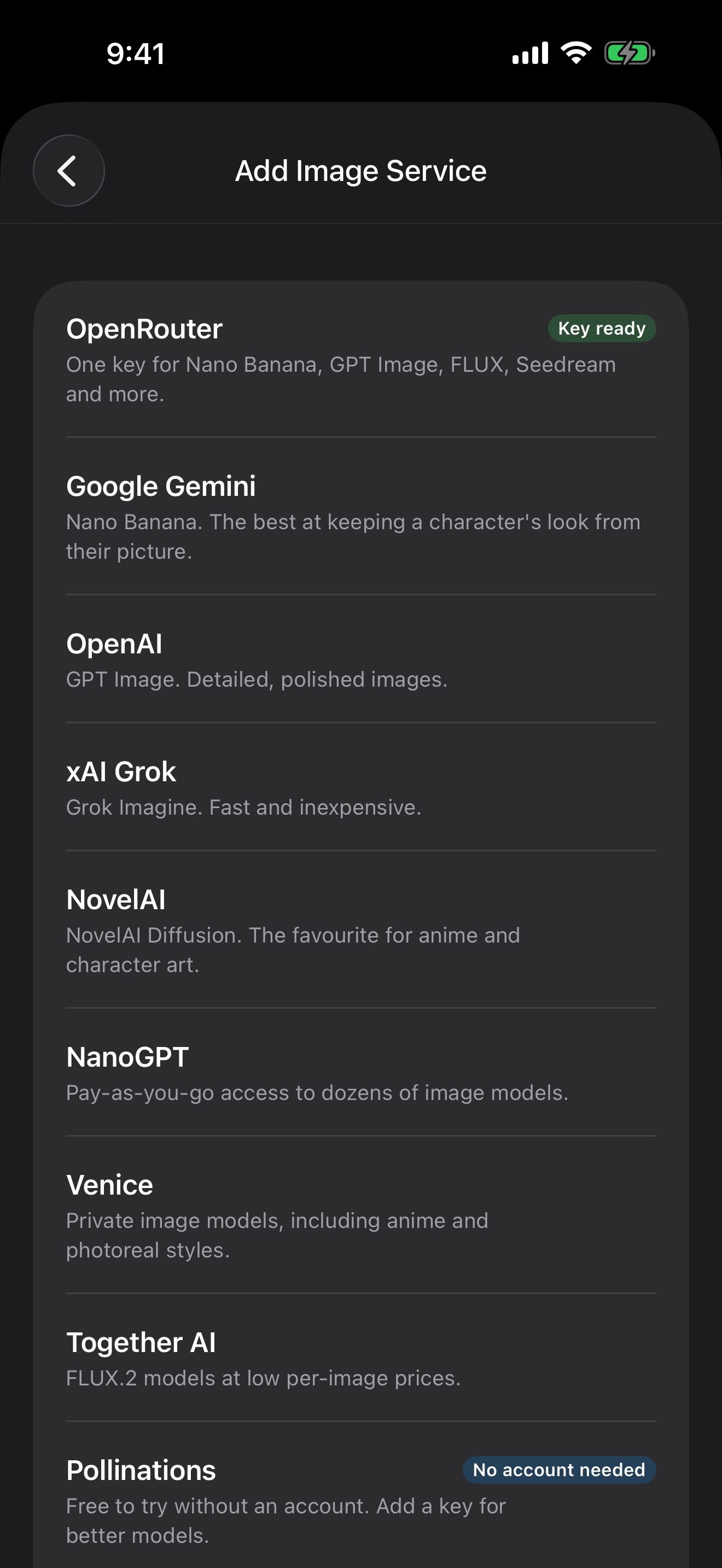
Open Settings › Image Generation, tap Add Image Service and pick Pollinations. It’s free to try without an account. If you run a Stable Diffusion server on your own network, such as Draw Things, add it as a Stable Diffusion Server.
Give characters free web search
In Settings › MCP Servers, switch on Exa. It’s free, rate-limited web search that needs no key. MCP servers work without a subscription.
Use the included models instead
To skip the setup, tap Start Free Trial in Settings › Model Setup to try the included models. Pro and Premium include the same models; Premium gives you 2.5 times the usage. Everything else stays free either way. More answers are in the FAQ.
Keep going
Give them a voice, even yours
Talk hands-free with voices that run on your iPhone, and clone a voice for your character. All free.
Hands-free voice chat · On-device voices · On-device speech recognition · Voice cloning · Launchers · Siri, Shortcuts and widgets
Meet Crimson Frost
Import our guide character, start a story with her, hear her replies read aloud, and give her a memory.
Card import · Character chat · Read aloud · Swipe, edit and branch · Memory
Models and story settings
Choose the AI that writes replies, a model for each job, story presets and SillyTavern prompt presets.