
Getting started
Start chatting in one minute
Character Agent has a lot of settings, and you need none of them to start. Get the app, choose an AI model in one tap, and open a character: that is the whole setup.
Last updated
Character Agent is free on iPhone and iPad.Get Character Agent free
1. Get the app
Install Character Agent from the App Store. It’s free, and runs on iPhone and iPad with iOS or iPadOS 18.2 or later. There is no sign-up.
To try sending a message before you set anything up, open Settings › Tutorials › Your First Chat. It is a practice chat with scripted replies: nothing is sent to an AI model, and it costs nothing.
2. Choose who writes the replies
An AI model writes every reply. Open Settings › Model Setup and pick one of two:
- Start Free Trial uses the models included with a subscription. There are no keys to set up.
- Bring your own API key connects your own provider. For OpenRouter, tap Sign in with OpenRouter instead of pasting a key.
With your own provider, every feature in the app is free. See Use your own API key.
3. Open a character and say hello
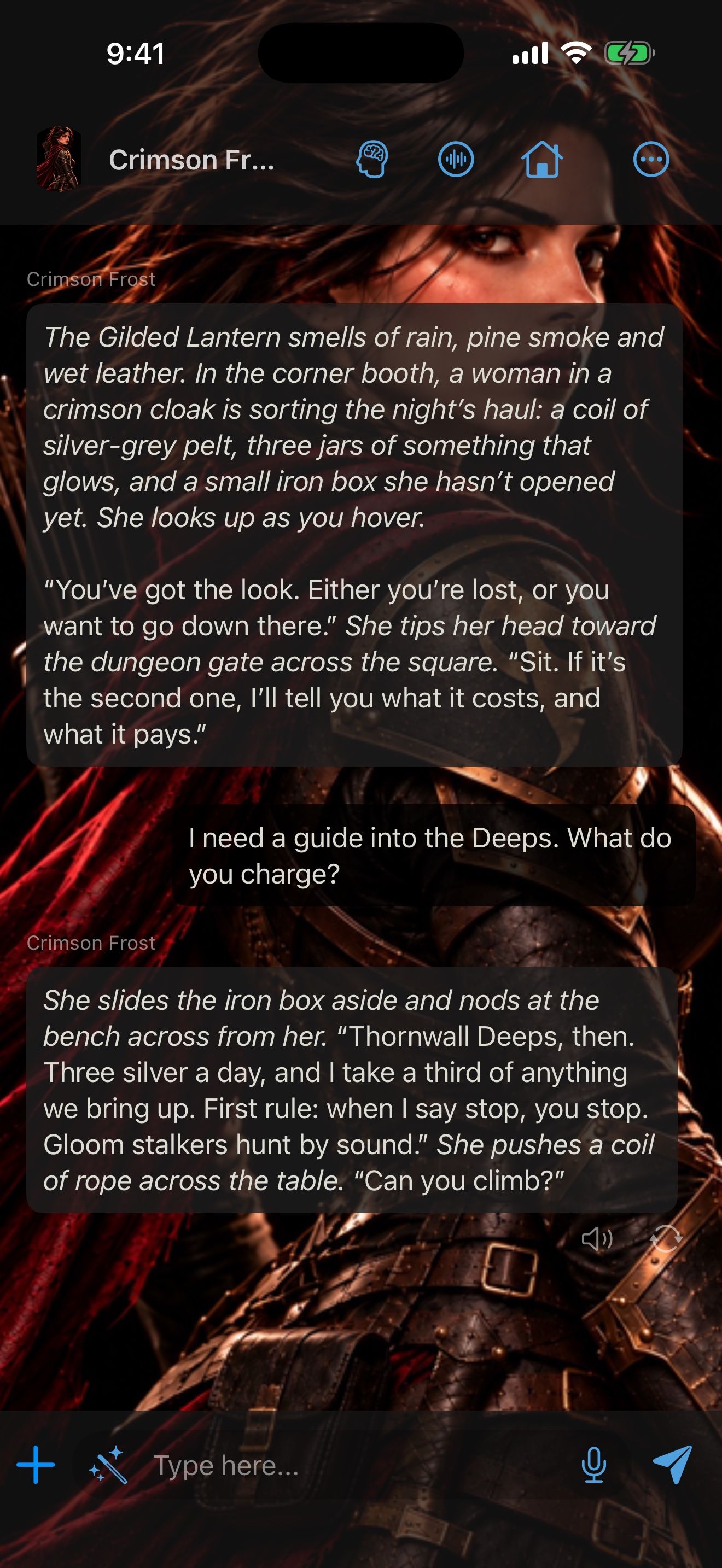
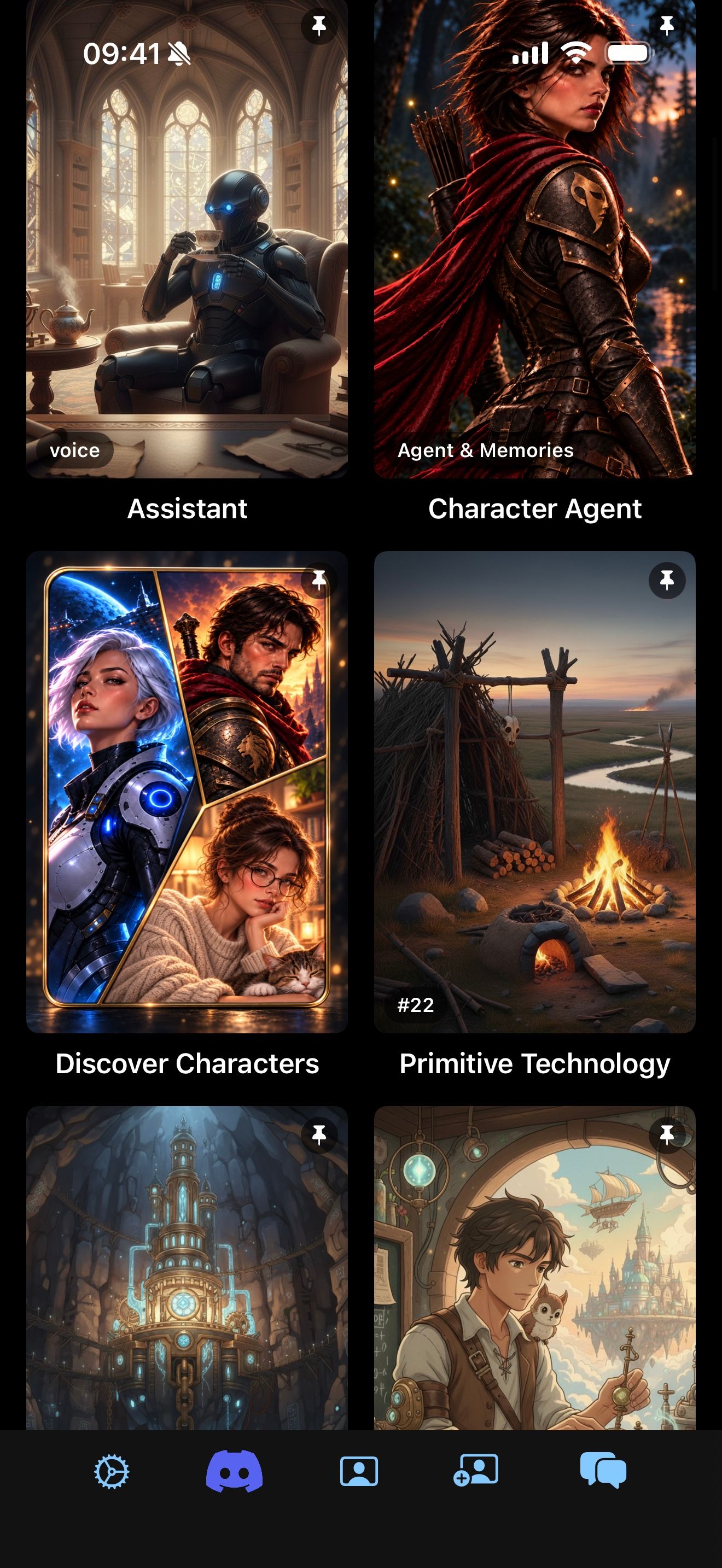
Tap a tile on the home screen to start a chat. Read the character’s greeting, type what you say or do, and tap Send. The reply appears as it’s written.
To add a character, tap Discover Characters on the home screen, then choose a card file, paste a link to one, or paste the card’s JSON. Or import our guide character, Crimson Frost, by following Meet Crimson Frost.
The settings can wait
Everything else is optional, and each has a default:
- Tap the speaker under a reply to hear it. A voice is built in.
- Tap the magic wand to have the app write your next message.
- Swipe a reply to the left for a different version.
When you want more, the guides add one feature at a time, starting from Meet Crimson Frost.
Questions
Do I have to set anything up before my first chat?
Only one thing: an AI model to write the replies. Start the free trial of the included models, or sign in with OpenRouter. Everything else has a default that works, and you can change it later.
Can I try it without paying or adding a key?
Yes. Settings › Tutorials › Your First Chat opens a practice chat with scripted replies. Nothing is sent to an AI model, and it costs nothing.
Do I need to sign up?
No. There is no sign-up and no email. The app is free on iPhone and iPad, and it is rated 18+.
What should I set up next?
Whatever you came for. Memory so a character remembers you, voice to talk out loud, or your own characters from card files and other apps. Each one is a few taps.
Step by step in the guides
Meet Crimson Frost
Import our guide character, start a story with her, hear her replies read aloud, and give her a memory.
Card import · Character chat · Read aloud · Swipe, edit and branch · Memory
Your first chat
Send a message, stop or skip ahead in a reply, and let the magic wand write your next line.
Find your way around
A quick tour of the home screen: launchers, Discover Characters, the create menu, History and Settings.